> For the complete documentation index, see [llms.txt](https://docs.powerembedded.com/llms.txt). Markdown versions of documentation pages are available by appending `.md` to page URLs; this page is available as [Markdown](https://docs.powerembedded.com/faq/licensing/can-i-use-power-bi-pro-or-premium-per-user.md).
# Can I use Power BI Pro or Premium per User to Embed?
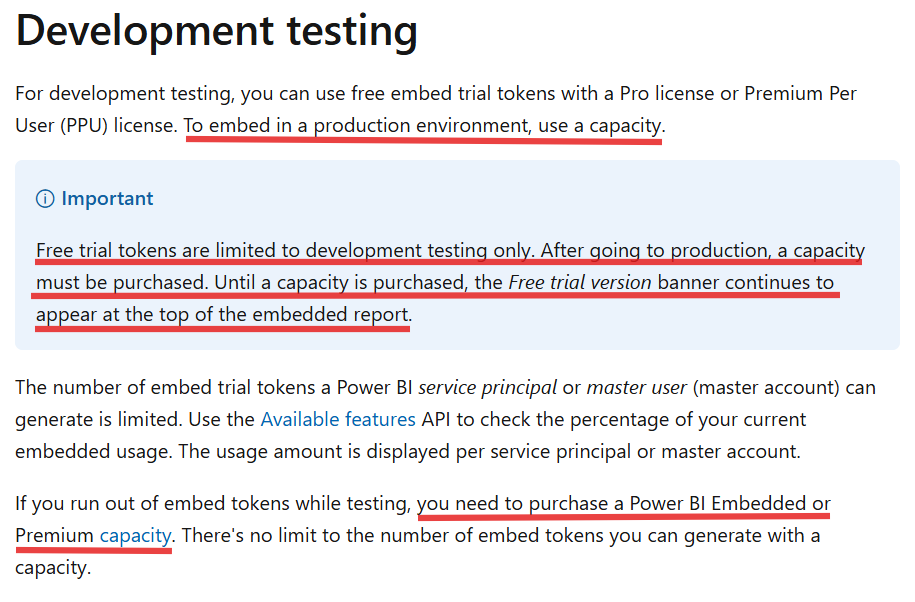
Yes, it is possible to generate tokens for Embed reports in a Pro or Premium Per User capacity, but according to [Microsoft's official documentation:](https://learn.microsoft.com/en-us/power-bi/developer/embedded/move-to-production)
“Tokens embedded with a Pro or Premium Per User (PPU) license are intended for development testing, so a Power BI Master or Service Principal account can only generate a limited number of tokens.
Purchase a capacity for incorporation into a production environment. There is no limit to how many embedded tokens you can generate when you purchase a capacity.
In development tests, you can use free embedded evaluation tokens with a Pro license. **To embed in a production environment, you must purchase a capacity.**
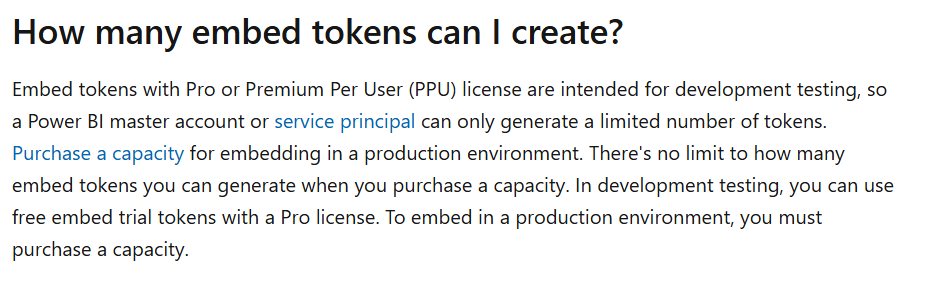
The[ Power BI Embedded questions and answers](https://learn.microsoft.com/en-us/power-bi/developer/embedded/embedded-faq#quantos-tokens-inseridos-posso-criar-) page reaffirms that Pro accounts cannot be used for Embedded solutions in production:
“Tokens inserted with a Pro or PPU (Premium Per User) license are intended for development testing, so a Power BI master account or [service entity](https://learn.microsoft.com/en-us/power-bi/developer/embedded/embed-service-principal?tabs=azure-portal) can only generate a limited number of tokens. [Purchase a capacity](https://learn.microsoft.com/en-us/power-bi/developer/embedded/embedded-faq#technical) to insert in a production environment. There is no limit to the number of inserted tokens you can generate when you buy a capacity. In development tests, you can use free insert evaluation tokens with a Pro license. To make an insert in a production environment, you must purchase a capacity.”
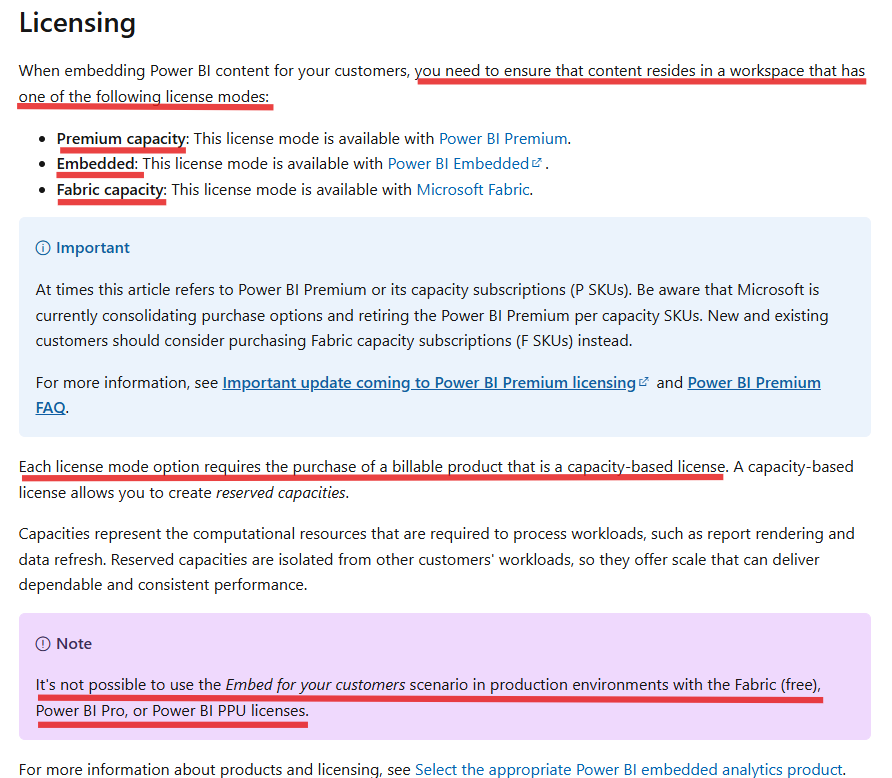
The page [Power BI usage scenarios: insert for customers - Power BI | Microsoft Learn](https://learn.microsoft.com/en-us/power-bi/guidance/powerbi-implementation-planning-usage-scenario-embed-for-your-customers#licensing) also reinforces that the use of a capability is mandatory in order to use Embedded technologies.
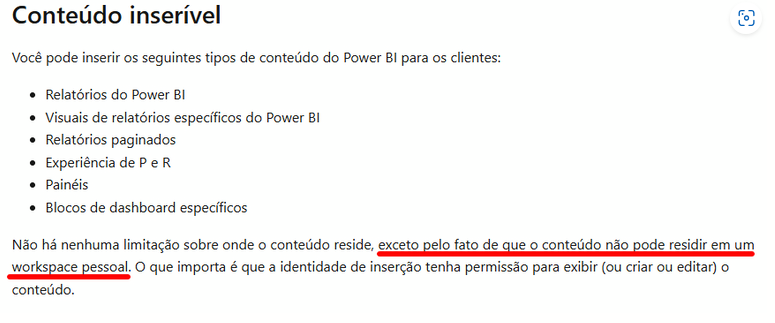
In addition, the content that will be shown in the application MUST NOT be in a personal workspace.
{% hint style="danger" %}
If you are using a platform that uses a Pro account to generate report insertion tokens, without using a capability to do so, you are probably violating Power BI's terms of use and your company could face fines and sanctions from Microsoft.
{% endhint %}